← All guides
Everyday planning
Build a Grocery List Without Making a Meal Plan
Start with ingredients, snacks and household extras. Add quantities, save a private grocery list and review the products before shopping.
5 min read · Grocerplan editorial team
Updated November 3, 2026
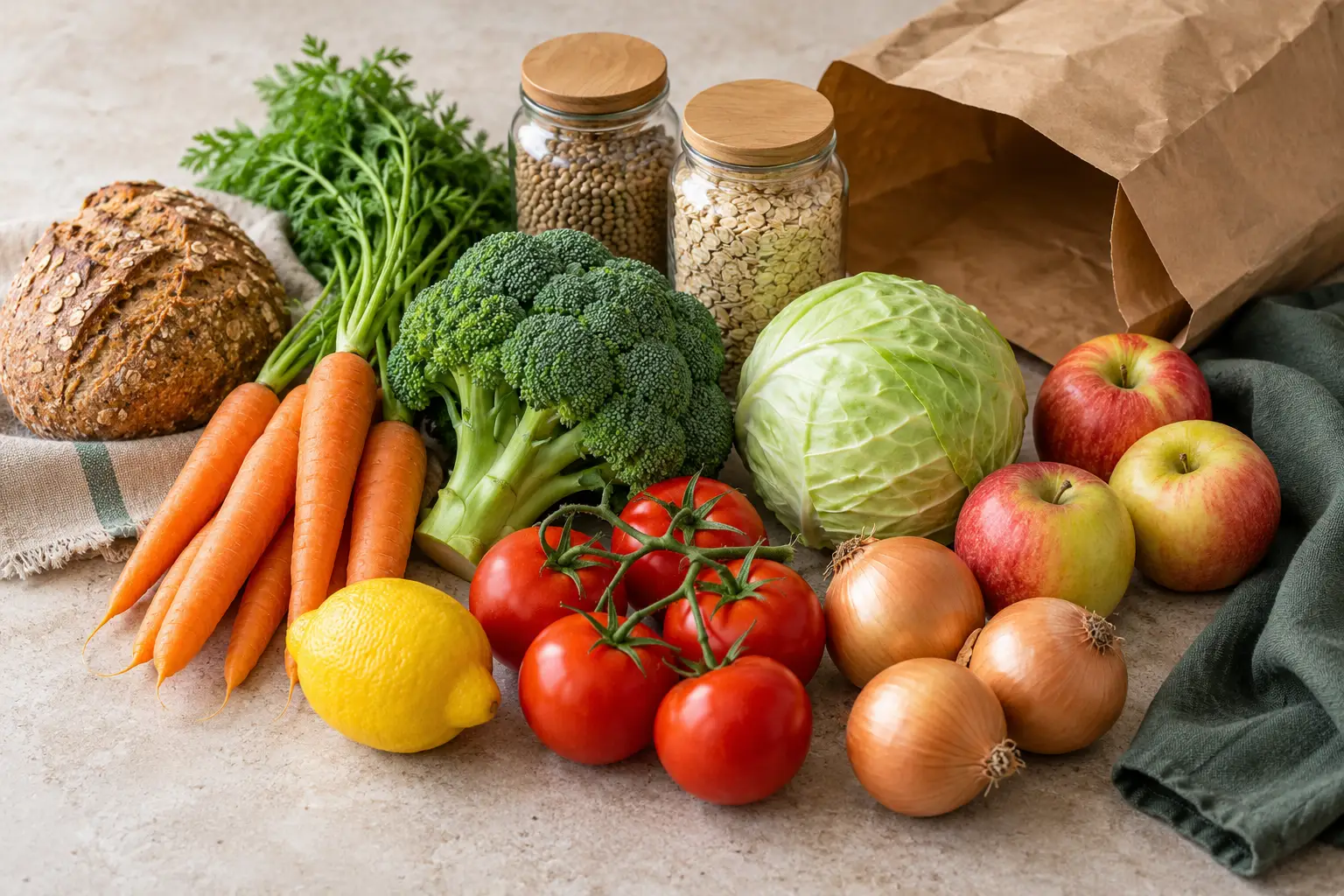
AI-generated editorial illustration; ingredients and serving sizes are illustrative.
You can build a grocery list in Grocerplan without choosing recipes or assigning meals to days. Start with the ingredients and other items you need, check their amounts, then save one list for review. This is useful for a small refill shop, a familiar meal you know by heart, or household extras that do not belong in a recipe.
You do not have to turn “buy bread and apples” into a full planning project. The important step is making the list clear enough that you can recognize what you need when you shop.
Start with what is missing
Look at the food and household supplies you already have before entering anything. Separate an item that is nearly finished from something you have simply not checked. EPA's home food-waste guidance recommends checking the refrigerator, freezer and pantry before shopping; the same habit helps make a short refill list more useful.
For a familiar lunch, you might need bread and a sandwich filling while already having the other ingredients. For a household refill, you might need soap alongside groceries. These items can go on the same manual list. They do not need a matching recipe or a place on a meal calendar.
Write the item you actually need. “Rice” may be enough for a kitchen reminder, but a named type or a useful amount can make later product review clearer. Avoid adding a large package just because you expect it to be economical; first decide how much you will use and store.
Open a private list and add items
Start a grocery list opens the manual-list feature. If you are signed out, Grocerplan asks you to sign in or create an account before you can use this private workspace. Follow any account-confirmation and setup steps shown. The app keeps the requested destination so you can return to the list feature after completing them.
This article is public, but it is not a guest list editor. Signing in is what connects a saved list to your Grocerplan account. There is no need to choose a recipe just to begin.
On Start a grocery list, enter one item at a time in Add groceries, then choose Add item. For example, the field accepts “2 apples” or “1/2 cup rice.” Check the preview below the field before adding. A bare item name starts with an amount of one, so change that if it does not describe what you need.
Make the amount meaningful
Use Edit amount or category when you want separate quantity, unit and category fields. A unit such as each, cup, bag or can describes a different kind of purchase or recipe amount. Choose the one you intend; the app cannot infer a particular store's package size from a generic grocery name.
For apples, an individual count may work. For rice, decide whether you mean an amount used in a recipe or a package you intend to buy. Neither approach is wrong, but mixing them without checking is confusing. If you enter a fraction, review the displayed value before saving.
After adding an item, use its Edit or Remove control to correct it. You can also change the list name from the default My groceries. A name such as “Lunch refill” is enough to distinguish it from an older shop; it does not need to describe every item.
Save before leaving the list
Choose Save & review list when the items look right. Do not assume that everything you type has already become a saved list. Successful saving opens that exact list for grocery review, where you can check quantities and add any forgotten extras.
If Grocerplan cannot confirm the save, it keeps a recovery copy of the attempted list and offers Finish saving this list. Use that recovery step instead of immediately typing the same groceries into another new list. The aim is to finish the original save, not create another copy.
Review saved version checks for the saved list. Start a different list is a separate choice that asks for confirmation because it leaves behind unsaved items from the recovery copy. Anything already saved remains in Saved grocery lists. If you are uncertain, keep the recovery copy and review the saved version first.
Review the actual products when you shop
A saved grocery item describes what you need; it is not a purchased product. If you choose to shop through Instacart, open the list from Grocerplan and review the store and matched products there. Check package size, quantity, ingredients and alternatives before adding the items you want to the cart.
A cup of rice on your list does not mean the store sells a cup-sized package. A request for apples does not settle the variety or whether you prefer a bag. These are reasons to review product matches, not reasons to build a full meal plan first.
You choose whether to continue to checkout on Instacart. Grocerplan does not place an order or take payment for the groceries. Grocerplan may earn a commission when you check out on Instacart.
Add meal planning only when it helps
Use the manual-list route whenever you already know what you need. If the harder question is what to cook, browse the quick recipe collection or read how to choose meals before assigning dates. Those are optional starting points, not prerequisites for buying household staples.
For the next shop, look at what was useful about this list. A short refill list may be all you need again. A list built around a few unfamiliar dinners may benefit from recipes next time. Let the task decide how much planning you do.
Sources
•
Grocerplan's manual-list, quantity-entry, saved-list recovery and account-return behavior was checked against the production-bound application source on November 3, 2026. The examples describe supported entry formats, not retailer prices or package availability.
•
EPA: Preventing Wasted Food at Home, reviewed November 3, 2026, for checking existing food before shopping.
•
Instacart Developer Platform documentation, “Shopping list page,” reviewed November 3, 2026, for product review, adding to cart and customer checkout. Instacart® is a registered trademark of Maplebear Inc.
Make the list you need
Sign in to add ingredients and household groceries directly to a saved list. Review it before shopping.
Start a grocery list →