← All guides
Everyday planning
Choose Meals Before Assigning Dates
Save a few meals for your next grocery shop, add familiar personal meals and set servings without committing each dinner to a calendar day.
5 min read · Grocerplan editorial team
Updated November 3, 2026
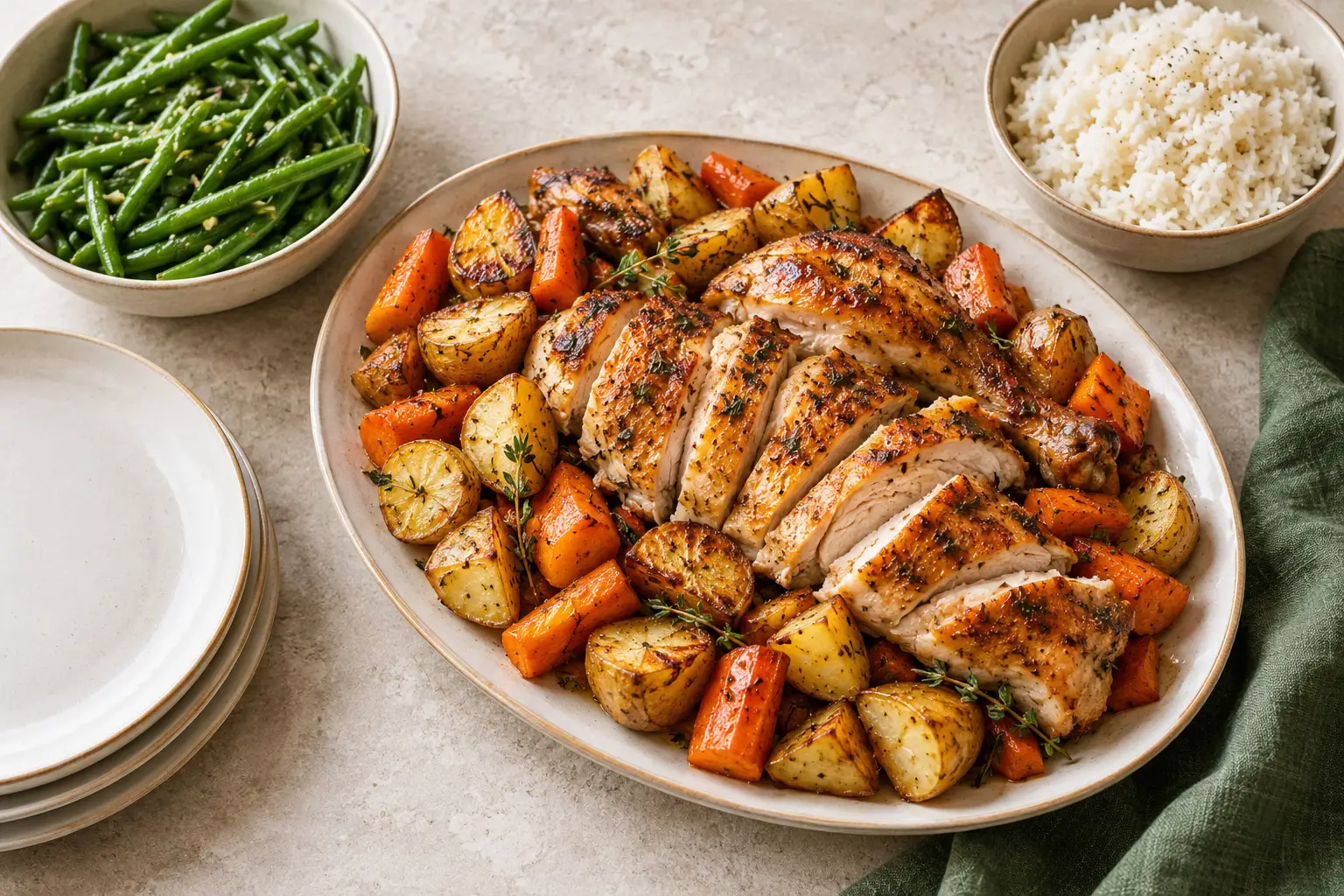
AI-generated editorial illustration; ingredients and serving sizes are illustrative.
You can choose meals for your next grocery shop without assigning them to specific dates. Grocerplan's Meals for my next shop keeps a private saved selection of recipes and simple personal meals, then builds a grocery list when you are ready. You decide when to cook them later.
This approach fits a week when work, family plans or appetite may change. Instead of deciding what happens every evening, answer a smaller question: which meals would be useful to have groceries for?
Choose enough meals for the shop you need
Start with the evenings you expect to eat at home. A full calendar is not required. You might want a familiar dinner, a quick option and something that uses ingredients you already own. Leave room for plans that are still uncertain.
The selection supports up to seven meals, but that is a limit rather than a target. A small set you want to make is more useful than adding meals just to fill the screen. Consider available time, equipment and storage as well as the recipes themselves.
If you are looking for ideas, the public quick recipe collection is a place to browse. If you want to inspect a suggested combination before signing in, open a three-dinner starter. Saving groceries requires an account; browsing a public starter is a different entry from the private saved-meal workspace.
Open your saved meal selection
Open Meals for my next shop to work with your private selection. If you are signed out, follow sign-in or account creation and any confirmation or setup steps. Grocerplan remembers the requested destination through that process. Once you are signed in and set up, this workspace belongs to your account.
Choose Choose recipes, search for a meal or ingredient, then use Add to my next shop for a recipe you want. Read the recipe when you need to check its method or ingredients. Similar titles do not establish that recipes fit the same dietary needs.
The selection is saved as you add or remove meals and change servings. Wait for a change to finish and check any error message before leaving. A failed save is not proof that the change was kept; reload the saved selection if the app asks you to.
Add a meal you already know
You do not need a catalog recipe for every meal. Choose Add a simple meal for something you already make, such as sandwiches or yogurt bowls. Enter a name, the ingredients you use and how many servings those ingredient amounts make.
This serving basis matters. If the ingredients describe enough food for two people, enter two in These ingredients make how many servings? Do not enter the number of people who might join a different dinner. You will choose the amount to make using that meal's serving controls after saving it.
Add each ingredient with its amount and unit, then choose Save personal meal. Add a pending ingredient before saving so it is part of the meal. The personal meal stays private. Its ingredients are your own input, and Grocerplan does not calculate nutrient values for it.
Adjust each meal before building groceries
Use the plus and minus controls beside a meal to set its servings. Different meals can have different counts. If one dinner is for fewer people, there is no need to scale every other meal to match it.
Use Remove when a meal no longer belongs in this shop. Removing it changes this selection; it is not an instruction to remove products from an Instacart cart you may already have. If you edit a personal meal, check both its ingredient amounts and the number of servings those amounts describe.
The Groceries your meals share section can point out overlapping ingredient names. Use it as a prompt to inspect the recipes. It is not a pantry-stock check, a substitute recommendation or evidence that every similarly named product is interchangeable. The ingredient-reuse guide shows how to turn a useful overlap into a practical package decision.
Build one list, then review it
When you like the selection, choose Review groceries or Build my grocery list. The app opens the saved list for that selection. Review amounts, check what you already have and add any extras before shopping.
Returning to an unchanged selection can reopen its saved grocery list. Changing meals or servings and building again makes a new list, while keeping the earlier edited list. This distinction protects changes you made during grocery review: the earlier list is not silently rewritten to match a different meal selection.
Personal-meal ingredients stay separate in the grocery list, so inspect repeated items before shopping. A shared-ingredient hint is not a promise that all quantities have been merged in the way you expect.
If you use the Instacart link, review its matched products and packages, add the desired items to the cart and decide whether to check out there. Grocerplan does not place the order for you. Grocerplan may earn a commission when you check out on Instacart.
Keep dates and reminders as separate decisions
Choosing meals here does not create calendar dates, orders or reminders. That is what makes this a flexible selection for a shop rather than a commitment to a fixed weekly schedule.
If you later want dated planning, use the app's planning tools separately; this guide does not promise that your undated selection automatically becomes a calendar. Likewise, choose a reminder only if you want one. Saving a meal selection alone is not reminder consent.
After the shop, note which meals fit your routine. You can keep useful choices and change the ones that did not. The aim is a small set of meals you can act on, with room for a week that changes.
Sources
•
Grocerplan's saved meal selection, personal-meal form, serving controls and grocery-list behavior were checked against the production-bound application source on November 3, 2026. The seven-meal limit is a current feature limit, not a recommended weekly meal count.
•
Grocerplan's account gate preserves the requested private route through sign-in and setup; public recipe browsing and starter selection are separate from account storage. Reviewed November 3, 2026.
•
Instacart Developer Platform documentation, “Shopping list page,” reviewed November 3, 2026, for the distinction between preparing a list and customer checkout. Instacart® is a registered trademark of Maplebear Inc.
Choose meals for your next shop
Sign in to keep a small selection of meals and build its grocery list when you are ready. Choosing dates is a separate step.
Open my meal selection →