← All guides
Shop smarter
From Your Grocerplan List to an Instacart Cart
Follow meals to a saved grocery list, then review Instacart products and packages. Watch the complete demo and see what happens before checkout.
7 min read · Grocerplan editorial team
Updated November 8, 2026
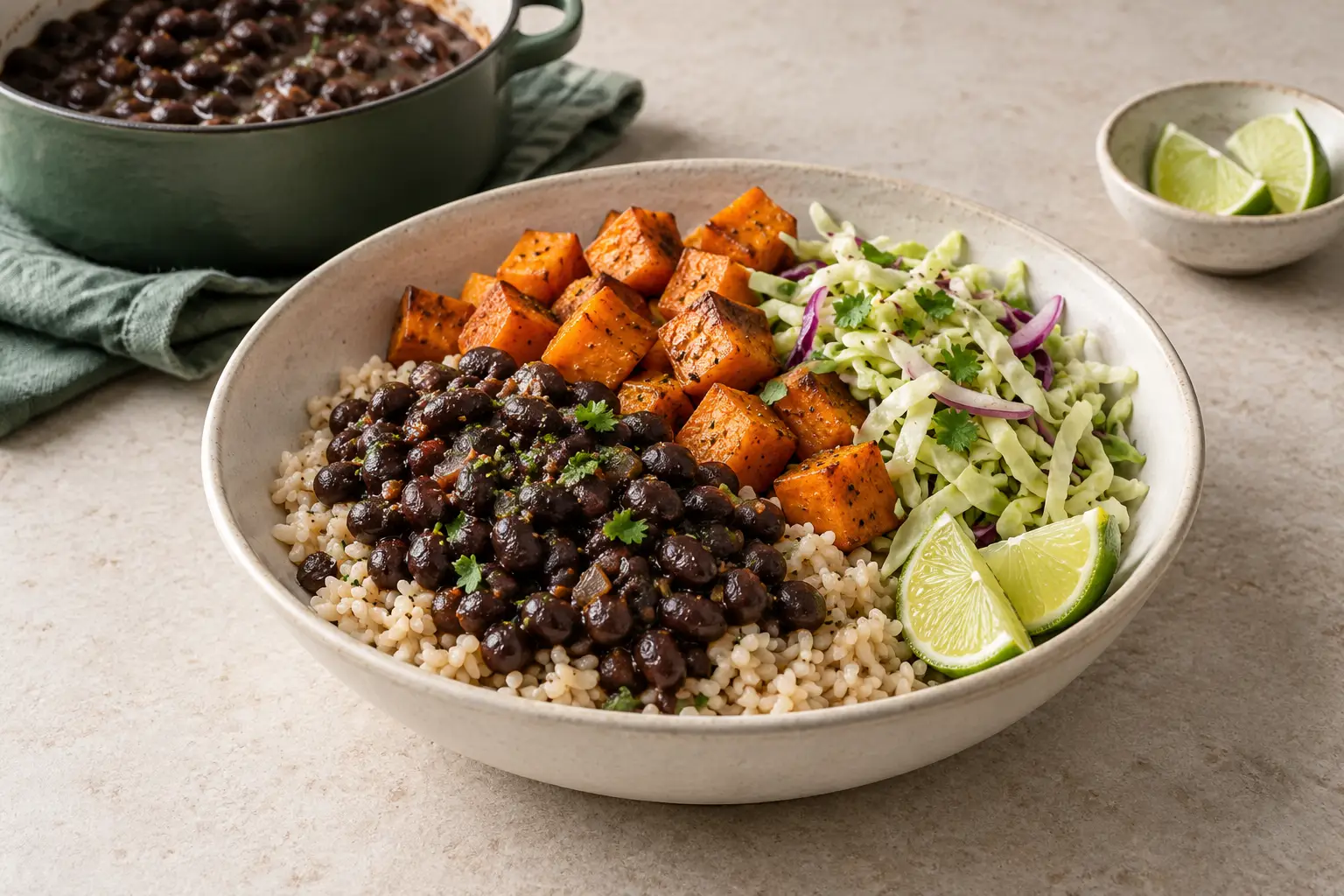
AI-generated editorial illustration; ingredients and serving sizes are illustrative.
Choose meals → Review groceries → Save your list → Review products on Instacart. Adding products to a cart and paying are separate steps that stay under your control.
Grocerplan may earn a commission when you check out on Instacart. Grocerplan does not automatically place orders or reserve store time windows.
Watch the complete journey
The silent video begins with two meals already in Plan. It opens a recipe, changes servings, continues to groceries for both meals, shows Grocery list saved, reviews amounts and opens the same nine ingredients in Instacart. It then shows a retailer, product alternatives and package quantities. On-screen instructions and English captions explain the steps.
Demo account · edited walkthrough. The app footage uses released Grocerplan features; the retailer footage uses an existing Instacart session and location. It is not a first-time-shopper recording. You may need to sign in, enter your location or choose a store. The demonstration stops before adding products to the cart or paying; its visible cart badge was already there. Captured prices, availability and nutrition estimates are examples, not quotes or guarantees.
Ready to try it? Start a plan, choose your meals, then sign in to save. The starter menu can differ from the meals in the video. Already have groceries saved? Open your saved lists.
Continue from meals to one grocery list
In your plan, finish choosing meals and servings, then select Review groceries. When you open a recipe from that plan or your saved meal selection, choose Review groceries for my N meals to continue with that whole selection. The number reflects the meals you have kept, not just the recipe on screen.
If you change servings in the recipe, use Save servings & review my N meals. If you were only browsing a recipe, use Add to plan first; browsing does not create a plan or save groceries. You can return to your plan or selection to remove a meal you no longer want.
An unchanged saved list can reopen. If your meals changed, review the proposed grocery changes before applying them. Wait for Grocery list saved, then check the list's ingredients and amounts. If you are starting from the public starter page instead, choose meals, create an account or sign in, complete setup if prompted, and use Save my grocery list.
Review groceries before opening Instacart
Mark groceries you already have as checked off. The remaining unchecked, included items are prepared for shopping. Keep useful extras on the list, and remove groceries you do not want to buy.
If Review amounts to continue appears, inspect the highlighted amounts. You can keep an appropriate recipe amount and choose its real package on Instacart; you do not need to turn every fraction into an imagined product. If the plan changed, use the displayed grocery-review step before continuing.
Choose Shop on Instacart when ready. For an unchanged list with an eligible saved link, Grocerplan may show Reopen your Instacart list above the button. Check whether you already added those groceries to a retailer cart before adding again.
Choose a store before judging the matches
Instacart's documented shopping-list flow asks you to select a store, review available items and add the products you want. If already signed into Instacart, continue toward checkout; otherwise, log in or create an account.
Your phone may remember your account and shopping location, while another browser asks for them again. Those experiences can look different without meaning that the grocery list failed. Confirm the displayed retailer and location before comparing products. Do not assume an item or price shown for one store applies to another.
The intended destination is a shopper-facing grocery list. If you reach a developer information page instead, return to your saved Grocerplan list and use its shopping button. You do not need a developer account to buy groceries. Leave the returned shopping link intact rather than editing its address.
Match the ingredient to the product you want
An ingredient name such as spinach or beans can match more than one product. Check the product name, preparation, brand if it matters, and package contents. Fresh spinach and a prepared spinach dish are different purchases. Likewise, dry beans and a can of cooked beans cannot be treated as the same quantity without considering the recipe.
Use the available alternative-product or search control if the match is unsuitable. Instacart describes replacement controls for shoppable ingredients and separate replacement preferences for unavailable items.
Read the actual product label for dietary needs and allergens. A recipe preference or a similar product name is not a substitute for that check. It is reasonable to remove an uncertain item and choose it yourself rather than accepting an unsuitable match to finish faster.
Compare package size with the amount needed
Review three things together: the ingredient amount on your list, the size of the selected package and the number of packages going into the cart. A recipe volume and a retail package count answer different questions. One package is not automatically one recipe serving.
For an illustrative example, twelve ounces needed and six ounces per package means two packages. That only works for the same food, form and unit. It is not a store recommendation or a conversion from cups to weight.
If you change a matched product, check its quantity again. A larger or smaller package may change how many you need. Keep any already-owned amount in mind, and do not buy extra solely to make the numbers look round. This is the point to decide what you want to purchase, not to change how many people your entire meal plan feeds.
Add items, then inspect the cart
Use Instacart's Add to cart control for the products you selected, then open the cart and inspect its contents. If you opened or added from the list earlier, review the cart before adding again. Check for groceries you no longer want and for quantities that are larger than intended.
An Instacart account is required for checkout even though items can be added before signing up. Its order instructions explain cart review, order minimums and checkout. Seeing a list or adding products alone does not complete a purchase.
Set suitable replacement preferences for important items. Instacart offers a best-match preference, specific alternatives or a refund preference, and saved instructions may carry over to later orders. Review them when your needs change.
Review the full checkout total and timing
At checkout, confirm the address or pickup location, available time window and payment method. Review the complete total rather than only the ingredient subtotal. Instacart's fees guidance explains that charges can vary; inspect the applicable fees shown during checkout.
If the total or timing does not work for you, adjust your cart or stop before placing the order. A planning budget is not a guaranteed retailer quote. Browse the budget recipe collection if you want to reconsider the meals behind your basket. Grocerplan's routine schedule prepares drafts; actual purchases happen with Instacart.
If you cannot continue, identify the stage
•
Still choosing meals: return to your plan or saved selection and choose Review groceries. From a recipe opened there, use the whole-selection grocery action.
•
In a saved Grocerplan list: check whether the screen asks you to review changed groceries, review an amount or restore your connection. Use the displayed next step rather than repeatedly pressing the shopping button.
•
In an Instacart list: check store selection, available products and package amounts, then add the items you want.
•
In an Instacart cart: review its contents, sign in if needed and check the available checkout options.
•
An error remains: keep the exact error wording and which stage showed it. Contact Grocerplan support for a problem preparing or opening its list, or use Instacart's Help Center for account, cart or checkout issues there. Do not send passwords or payment details.
For your next visit, copy only the groceries you need again. A reusable list keeps the planning work while leaving each store purchase under your control.
Instacart® is a registered trademark of Maplebear Inc.
Sources
•
Instacart Developer Platform, Shopping list page, reviewed November 8, 2026: store selection, product review and account handoff.
•
Instacart Help Center, How to place an order; Instacart meals and recipes; Adding item and replacement instructions; and Instacart fees and taxes. Reviewed November 8, 2026, for cart review, checkout and the named controls.
•
Grocerplan's released recipe-continuation, saved-list and retailer-handoff source, reviewed November 8, 2026, plus the owned demonstration linked above. The package calculation is illustrative arithmetic, not a retailer listing.
Take a small plan through to groceries
Choose meals first, then sign in to save your grocery list. Review quantities and store products before deciding what to buy.
Start a plan →